Agents who search for a real estate listing video usually do not need another cinematic drone reel. They need a vertical clip buyers will finish on TikTok, Instagram Reels or YouTube Shorts—built from the photos already on the MLS, with voiceover, captions and a line that earns a DM.
Competing guides focus on hashtags, trends and full production crews. Useful work is narrower: pick the right rooms, lock a storyboard that matches each photo, keep narration inside four to six seconds per scene, and ship a property video for TikTok without a week in CapCut. This guide is that sequence, including when an ai listing video workflow is enough. Open the AI listing video workspace to turn photos into a narrated tour.
Why short listing videos beat photo carousels
Buyers swipe past static carousels in under a second, but they will watch a tight walkthrough if every beat shows a real room and says one concrete thing. A real estate listing video compresses the open-house path: entry light, living volume, kitchen work surface, primary bedroom calm, bath clarity, then a contact close. Social platforms reward completion rate and rewatches more than polish, so honest photos with clear captions often outperform glossy stock motion that feels staged.
Match the format to the platform
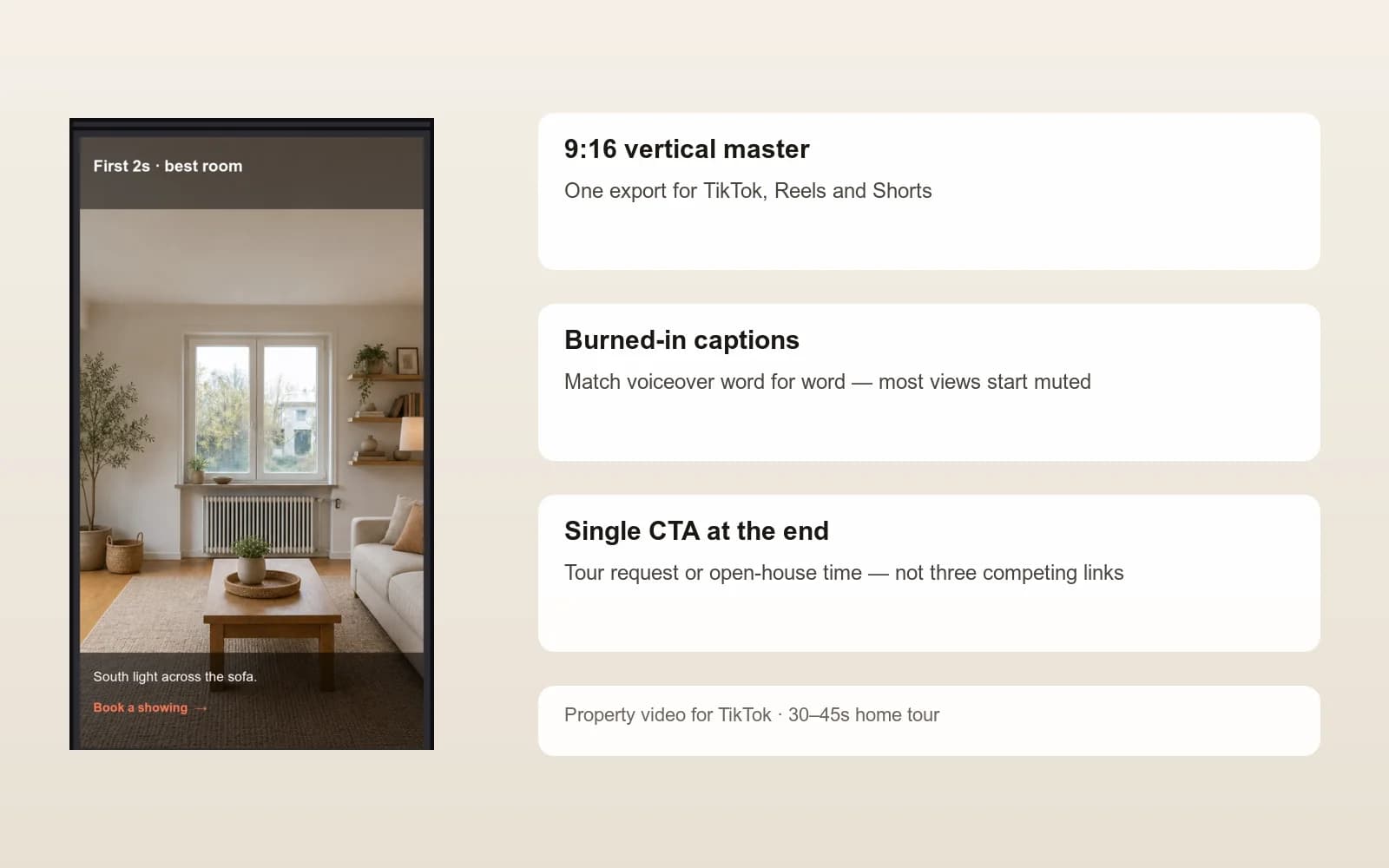
Before you edit, decide where the first publish happens. Vertical 9:16 is the default for a property video for TikTok, Reels and Shorts. Keep the full tour near thirty to forty-five seconds unless the home is large enough to justify chapters. Put the strongest room in the first two seconds, burn captions on screen, and end with one action—tour request, open-house time or agent handle—not three competing CTAs.
| Platform | Aspect | Target length | Must-have |
|---|---|---|---|
| TikTok | 9:16 | 30–45s tour | Captions + native sound optional |
| Instagram Reels | 9:16 | 30–45s | Cover frame + first-line hook |
| YouTube Shorts | 9:16 | ≤60s | Title keywords + end screen handle |
| MLS / site embed | 9:16 or 16:9 | 45–75s | Transcript + contact block |
Select photos like a storyboard, not a gallery
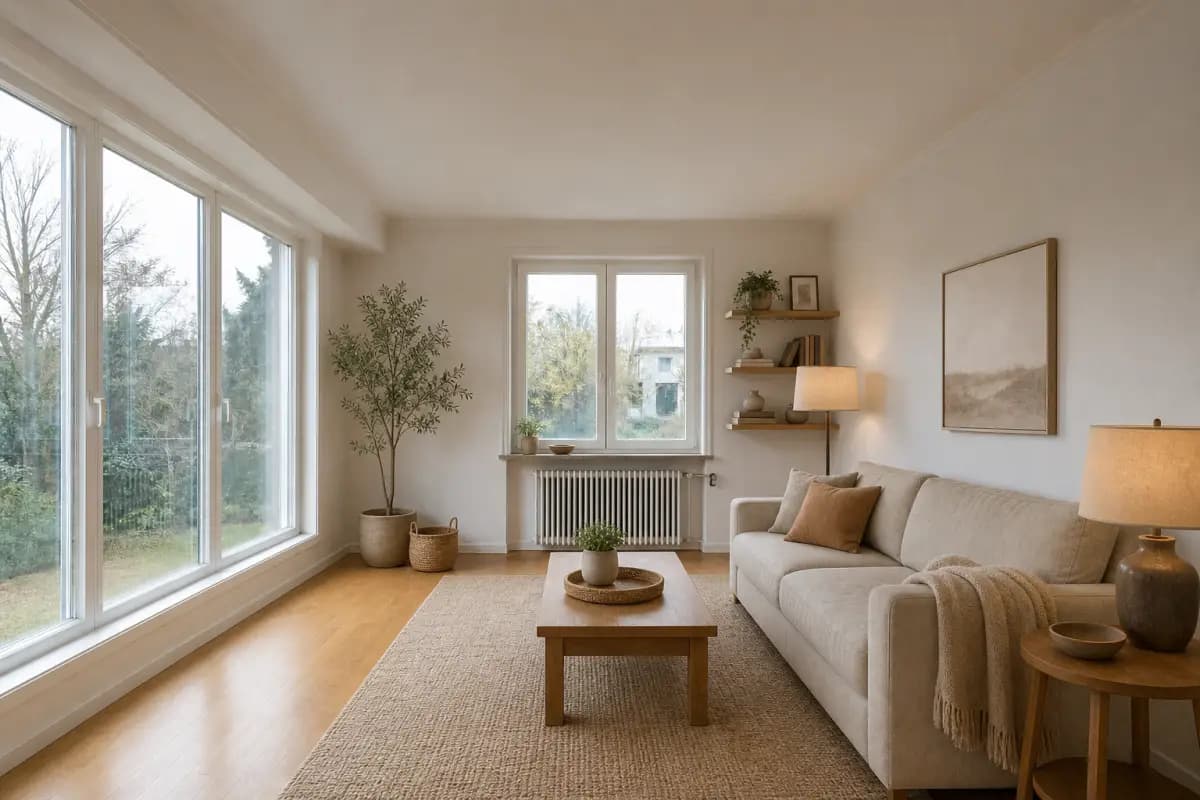
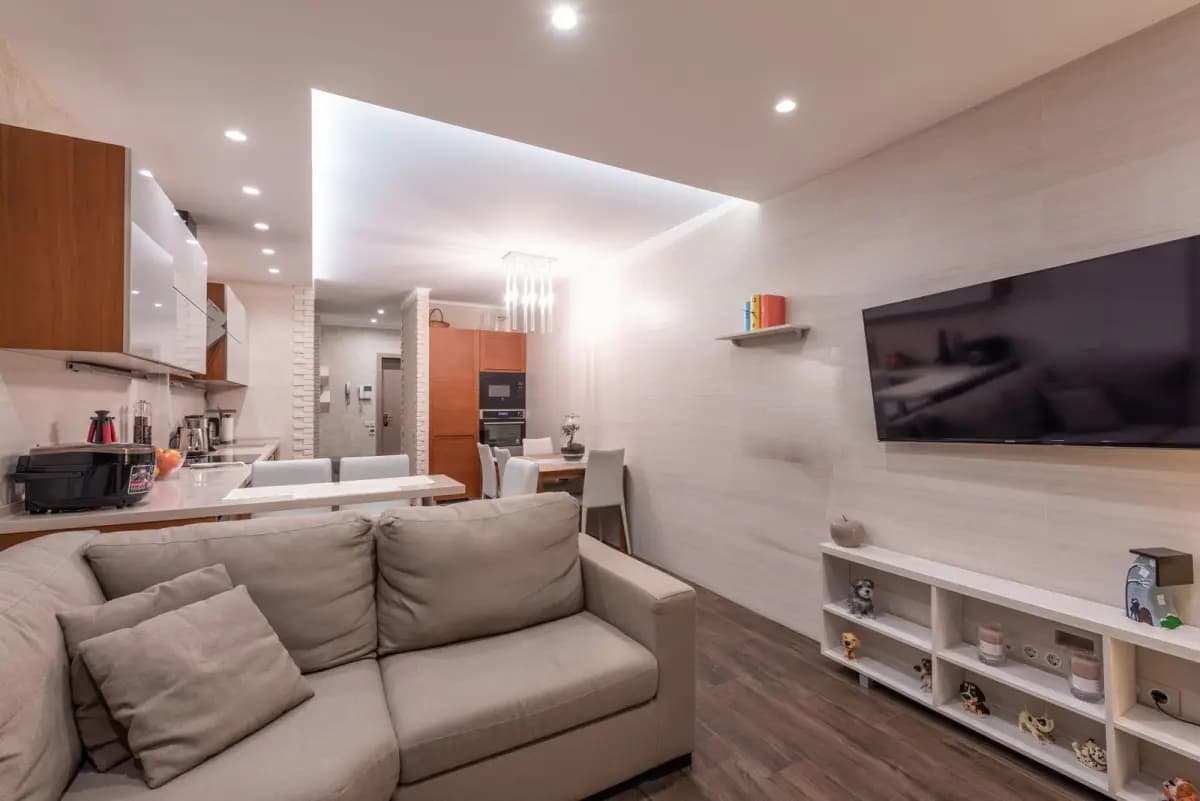
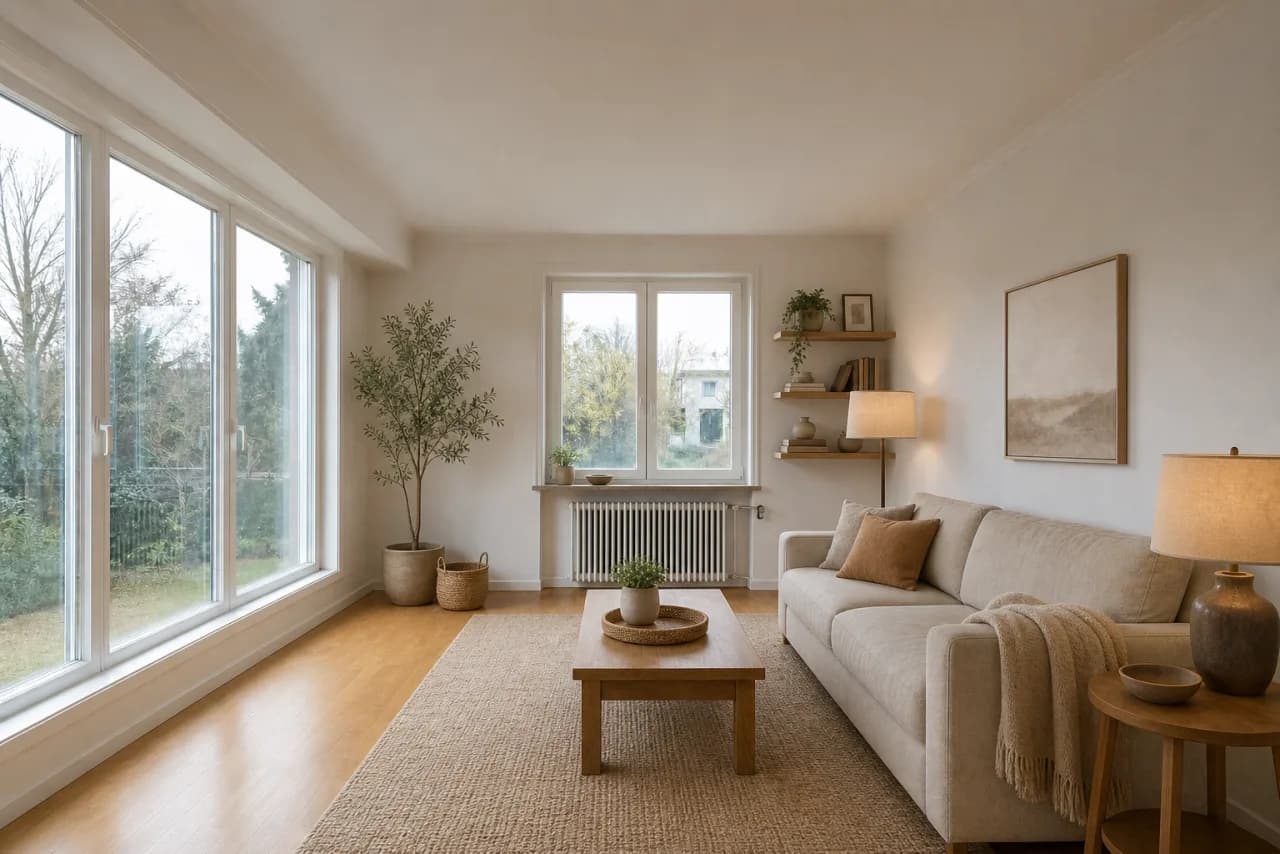
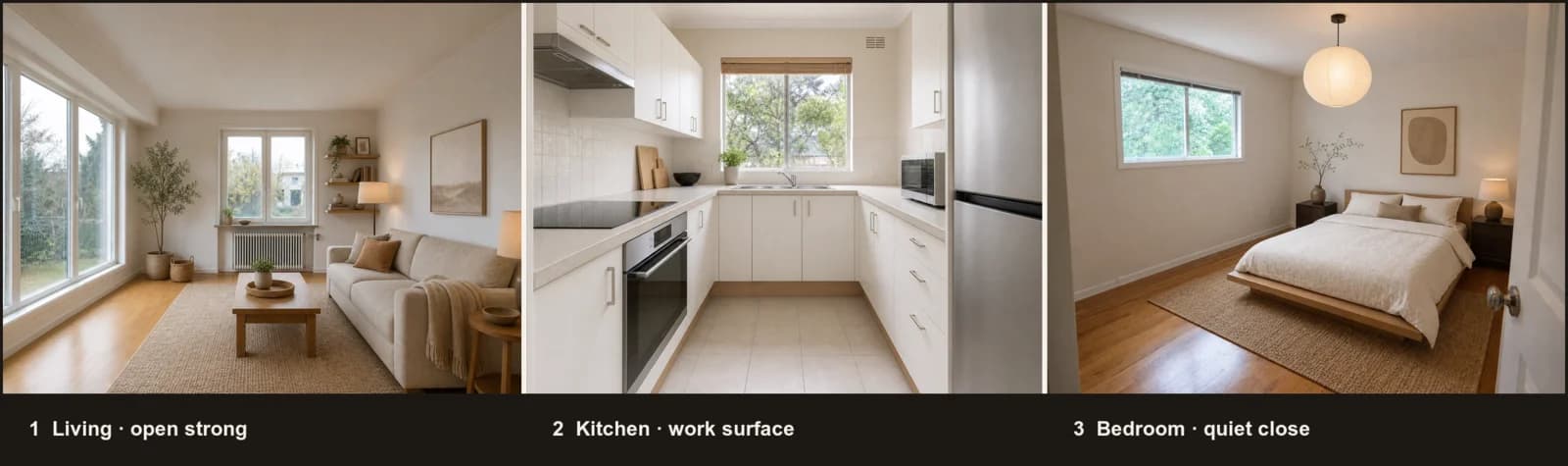
A listing video from photos fails when you dump every MLS still into a timeline. Choose three to ten frames that already tell the path through the home. Prefer doorway-wide shots with lights on, level horizons and no personal clutter. Sequence by how a buyer walks: curb or entry if you have it, main living, kitchen, bedrooms, baths, outdoor or amenity last. If two photos show the same corner, keep the brighter one. Label each frame with the true room type before writing a word of script.
Write narration that fits the clock
Each scene should carry one claim a buyer can verify in the photo: south light, island seating, closet depth, shower glass, yard privacy. Skip square footage monologues and superlatives that fair-housing reviewers flag. Aim for a spoken line that fits four to six seconds; if you run long, cut adjectives before you stretch the clip. An ai listing video tool can draft room-aware lines from the image, but you still confirm room labels and rewrite anything the photo does not show.
- Gather 3–10 clear room photos and optional beds, baths, area and highlight bullets.
- Generate a storyboard that tags each photo with a room type and a four-to-six-second line.
- Edit room labels and narration until every sentence is visible in its frame.
- Confirm photo rights, then render with captions, voiceover and quiet background music.
- Download the vertical master and platform-ready captions; post the same cut to each app.
- Review completion rate after two days; change only the hook or CTA on the next listing.
Upload listing photos and review the storyboard in DreamyRoom.
Finish with captions, music and rights
Most social viewing starts muted, so burn captions that match the voiceover word for word. Keep background music quieter than speech and avoid tracks you cannot license for ads. Confirm you have rights to every photo, including co-list and staging images. Watermark lightly if your brand needs it, but do not cover doorways or faces of street numbers you intend buyers to read. Export one master 1080×1920 file, then reuse it across TikTok, Reels and Shorts with platform-native copy—not a single generic caption pasted everywhere.
Publish, measure, then iterate one variable
Post with a first line that names the neighborhood or property type, not only “Just listed.” Add on-screen text for price band or beds only when your brokerage policy allows it. After forty-eight hours, read completion rate and profile visits before you chase hashtags. Change one variable next time: opening frame, first spoken line or CTA. That loop beats rewriting the entire real estate listing video every week. For SEO on a landing page, pair the embed with a transcript and a descriptive title so Google and AI answers can cite the tour.
Frequently asked questions
How many photos do I need for a real estate listing video?
Three to ten strong room photos usually beat twenty weak ones. Cover the main living path, kitchen, primary suite and one outdoor or amenity shot if you have it.
Can I make a listing video from photos without a camera crew?
Yes. A listing video from photos is the default for social tours when the stills are wide, bright and sequenced like a walkthrough. Crew video still helps for luxury motion or drone context.
What length works best for a property video for TikTok?
Most agents see better completion between thirty and forty-five seconds for a single-home tour. Lead with the best room in the first two seconds and keep one CTA at the end.
Do I need voiceover if I add captions?
Captions cover silent autoplay; voiceover raises watch time when sound is on. Use both when you can, and keep the spoken line identical to the burned-in text.
When is an ai listing video workflow enough?
When photos already exist, you need a same-day social cut, and you will review room tags plus narration yourself. Hand-edit anything the model invents that the frame does not show.
Should I post different edits to TikTok, Reels and Shorts?
One vertical master is enough for speed. Change the opening text line and hashtags per platform rather than rebuilding the timeline three times.
A real estate listing video wins when the path through the home is clear, each line fits the photo, and the publish pack is ready the same day you go live on the MLS. Start from the photos you trust, lock the storyboard, then ship the vertical cut. See how photo-first AI interior checks keep structure honest. Or review kitchen decisions from a single photo before you film.