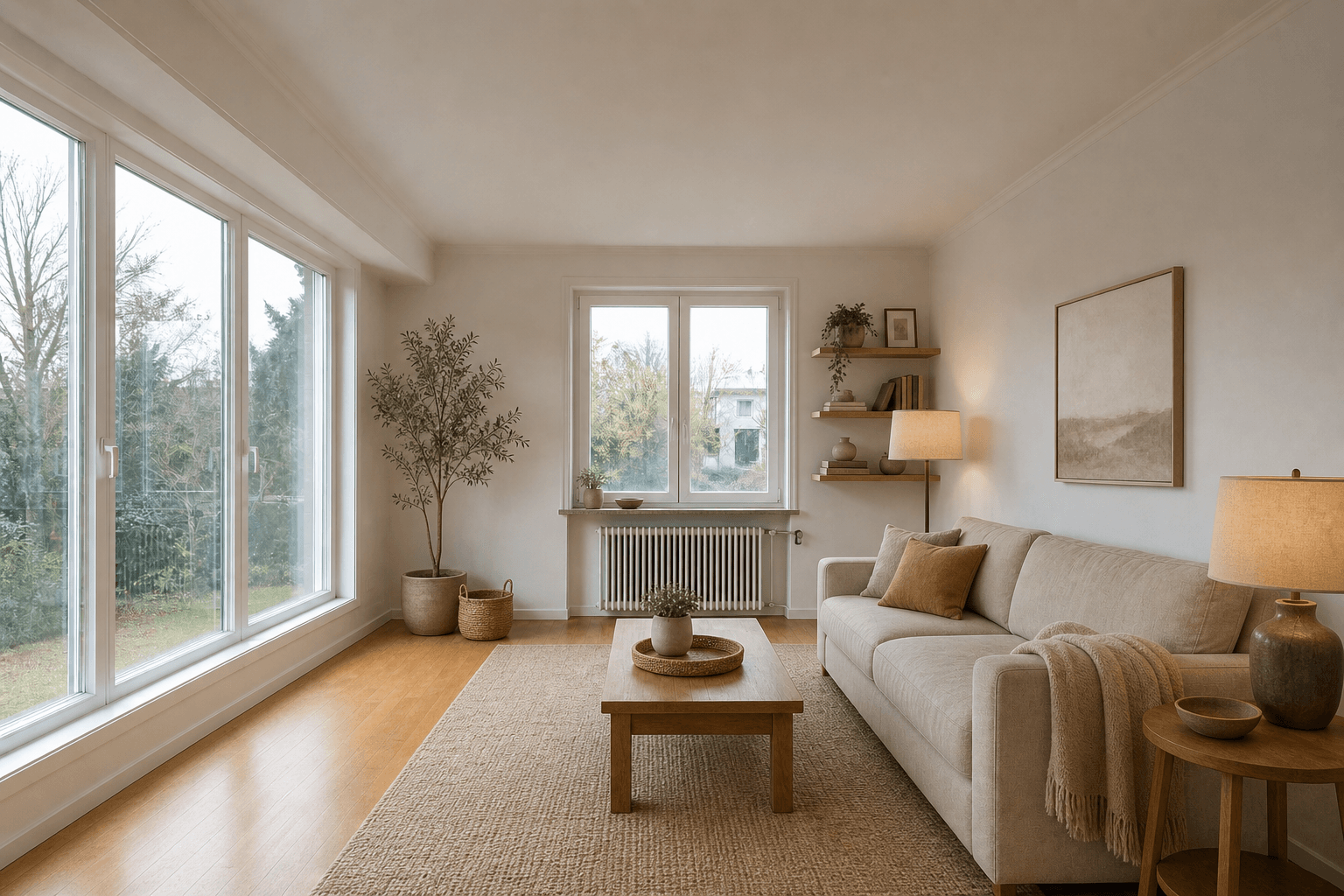
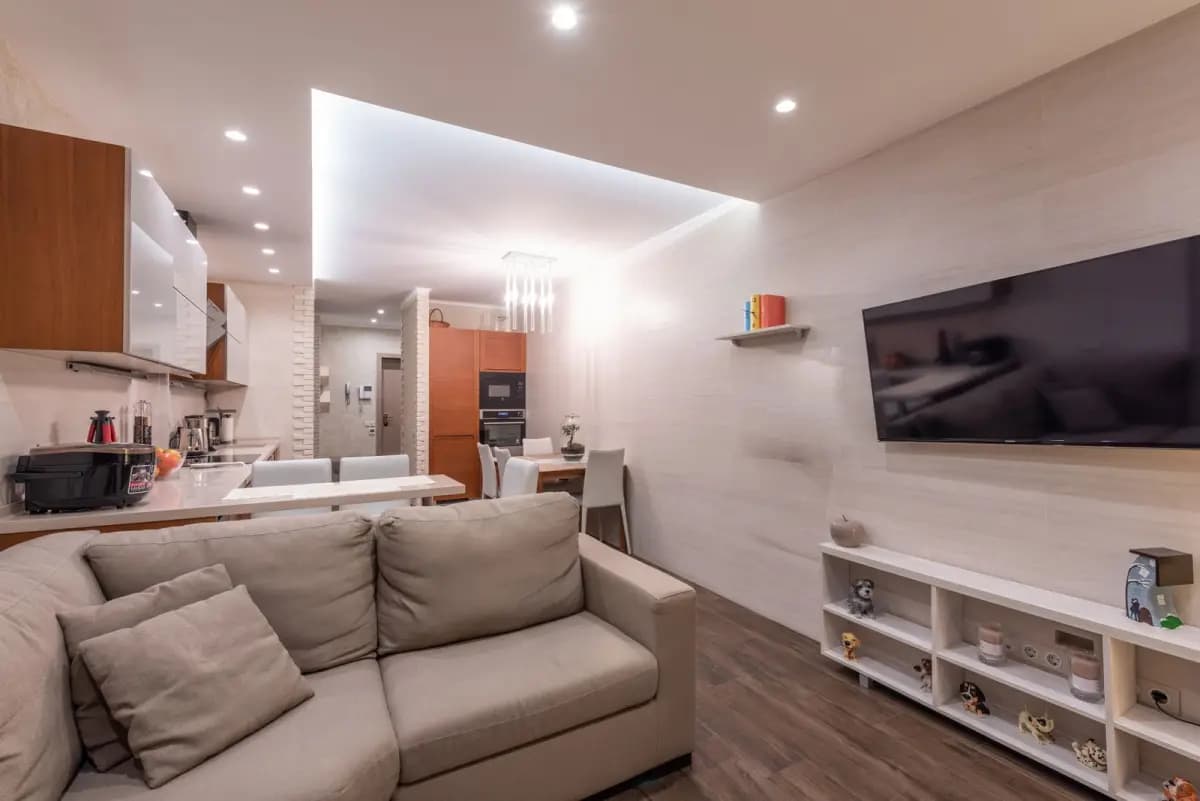
Searching for AI interior design from a photo usually means you have a real room and a real hesitation: will a new sofa fit, can the space feel brighter, or is the current layout already doing its best? A generated image is useful when it answers those questions without pretending to be a measured plan.
This guide explains what a photo-based workflow can change, what it should preserve and how to review an idea from a user's point of view. If you want to test your own space, start in the DreamyRoom workspace.
What the photo can tell you
A clear, wide photo carries more useful context than a blank prompt. It shows the camera angle, daylight, openings, floor tone, furniture scale and the visual friction you feel every day. It also gives you a shared reference when you compare a warm modern room with a calmer Scandinavian or Japandi direction.
What should stay fixed?
Before generating, list the details you do not want to lose: doors, windows, radiators, built-ins, ceiling height and the main walkway. This is the difference between a helpful photo room makeover and a fantasy image. The more clearly you name fixed features, the easier it is to judge whether a result belongs to your home.
| Your question | Useful AI output | What to verify next |
|---|---|---|
| Will the mood feel right? | Style and material direction | Samples, daylight and your existing finishes |
| Will the room still flow? | Furniture placement concept | Real dimensions, door swings and clearances |
| What should I change first? | Prioritized visual options | Budget, lead time and what can stay |
| Can I build it? | Inspiration only | A measured plan and qualified local advice |
Write a useful design brief
The best prompts sound like a homeowner, not a catalog. Say how the room should feel, what must remain and what is frustrating now. For example: “make this living room calmer, keep the oak floor and radiator, add closed storage and leave a clear path to the balcony.” A specific brief gives an AI room planner or room design from a picture something it can compare instead of a list of disconnected products.
Compare three directions
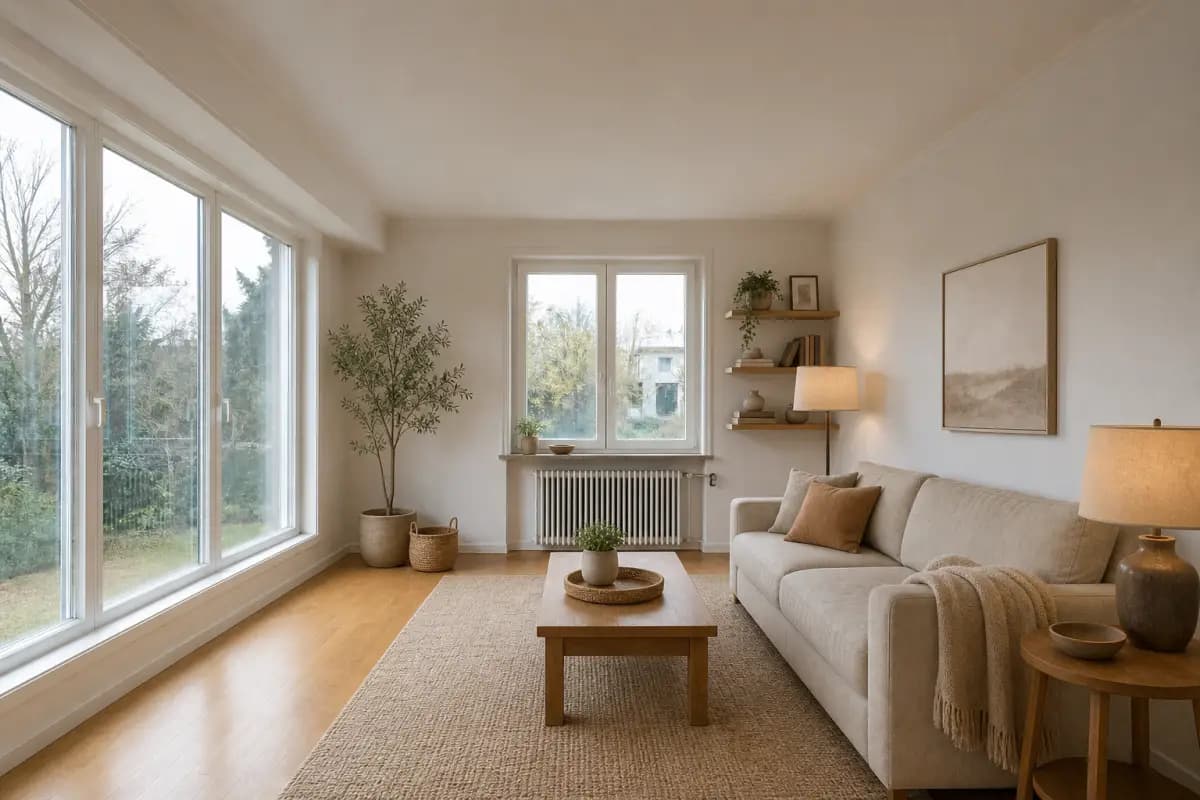
Do not evaluate one generated image as if it were the answer. Keep the same photo and fixed-feature brief, then compare three distinct directions. Change one variable at a time—palette, furniture mood or lighting—so you can tell what you actually prefer. The existing room templates are useful starting points when you need a quick visual reference. For a focused example, read our small living room guide.
Check the result in real life
- Look for doors, windows and radiators that moved or disappeared.
- Check whether the furniture scale and walking route feel plausible.
- Save the details you like as a short shopping or design brief.
- Measure before ordering, renovating or sharing the image as a plan.
Where AI stops
A photo cannot reveal every dimension, outlet, structural condition or building requirement. Treat the output as a decision layer: it helps you choose a direction and explain it to someone else. For wet rooms, electrical work or structural changes, validate the idea with a qualified local professional and use a measured drawing.
Frequently asked questions
Can AI design a room from one photo?
Yes, one clear photo can produce useful visual directions. It cannot replace measurements or confirm that every item will fit.
What should I include in the prompt?
Describe the feeling you want, the room's fixed features and the one or two problems you want to solve first.
Will AI keep my windows and doors?
A good photo-first workflow should treat them as fixed constraints, but you should still inspect every result for changes or distortions.
Is an AI room image a construction plan?
No. Use it for inspiration and comparison, then move to measured drawings and professional review for construction decisions.
How many directions should I compare?
Two or three focused directions are usually enough to reveal a preference without creating decision fatigue.
What photo works best?
Use a bright, wide photo with the room edges, openings and major furniture visible. Remove private details you do not need to share.
The value of AI interior design from a photo is not the novelty of a pretty image. It is the ability to compare a few realistic directions while keeping your actual room in view. When the result respects your constraints, it becomes a calmer way to decide what deserves your time and budget.