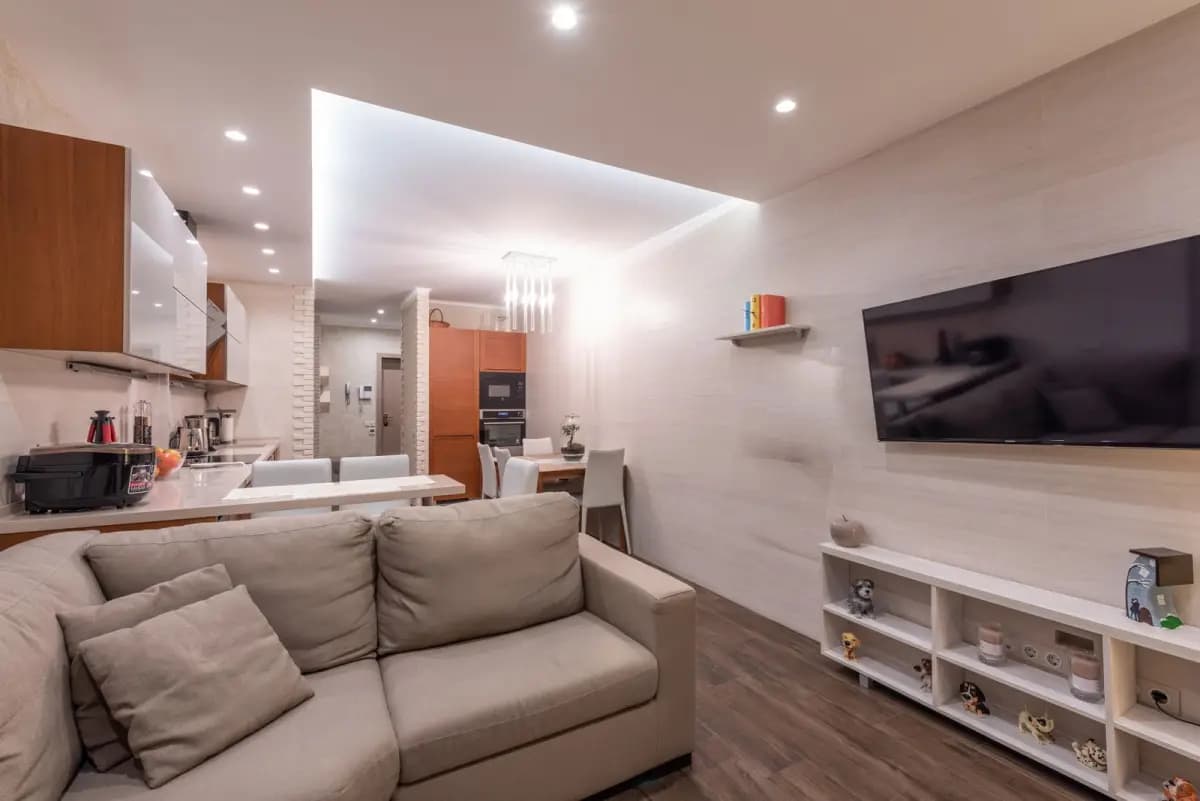
This comparison starts with the same question real users ask: what should replace a quick AI room preview when the result needs to support an actual decision? REimagineHome alternatives.
Use the criteria below with your own photo, then test a direction in DreamyRoom before committing to a plan or purchase.
Separate the jobs inside the category
Searchers looking for REimagineHome alternatives may want virtual staging, room redesign, paint changes, object removal or a complete property workflow. Competitor pages usually compare these as separate jobs before listing tools. That is the right starting point: decide whether the room is empty, occupied, being renovated or being prepared for sale.
Test staging with an empty room
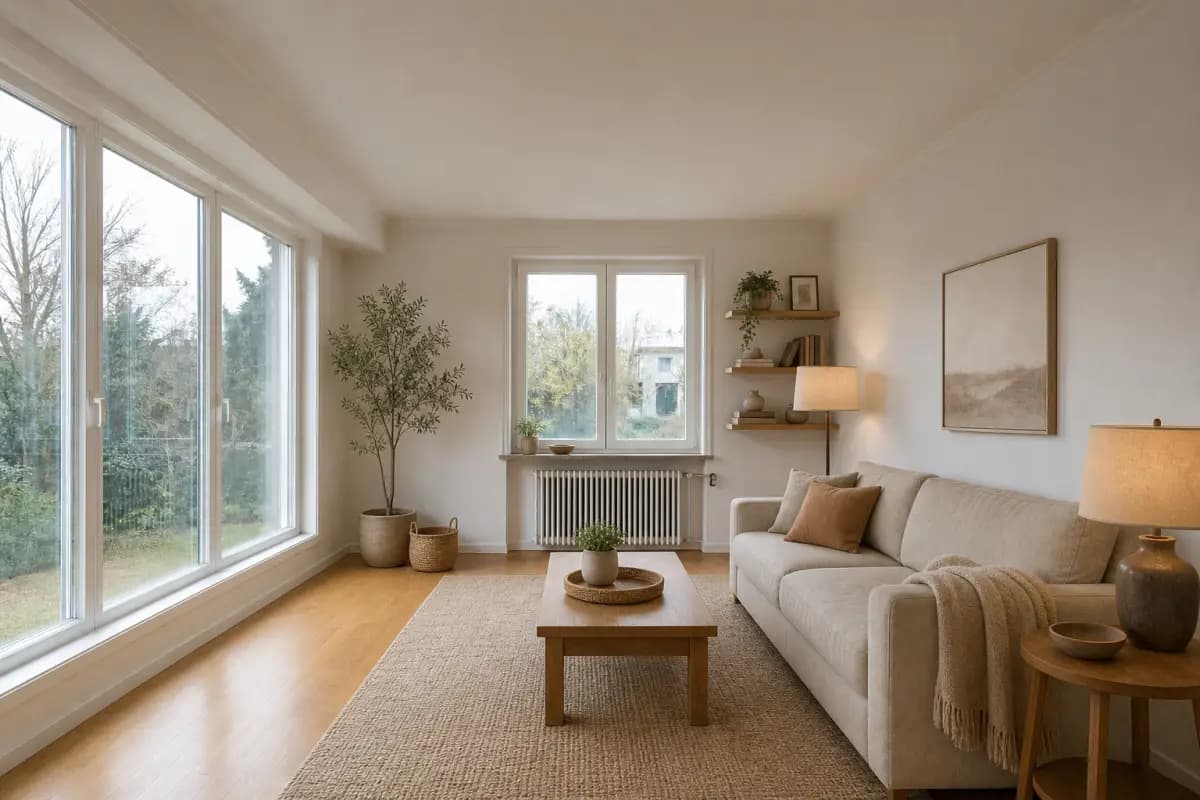
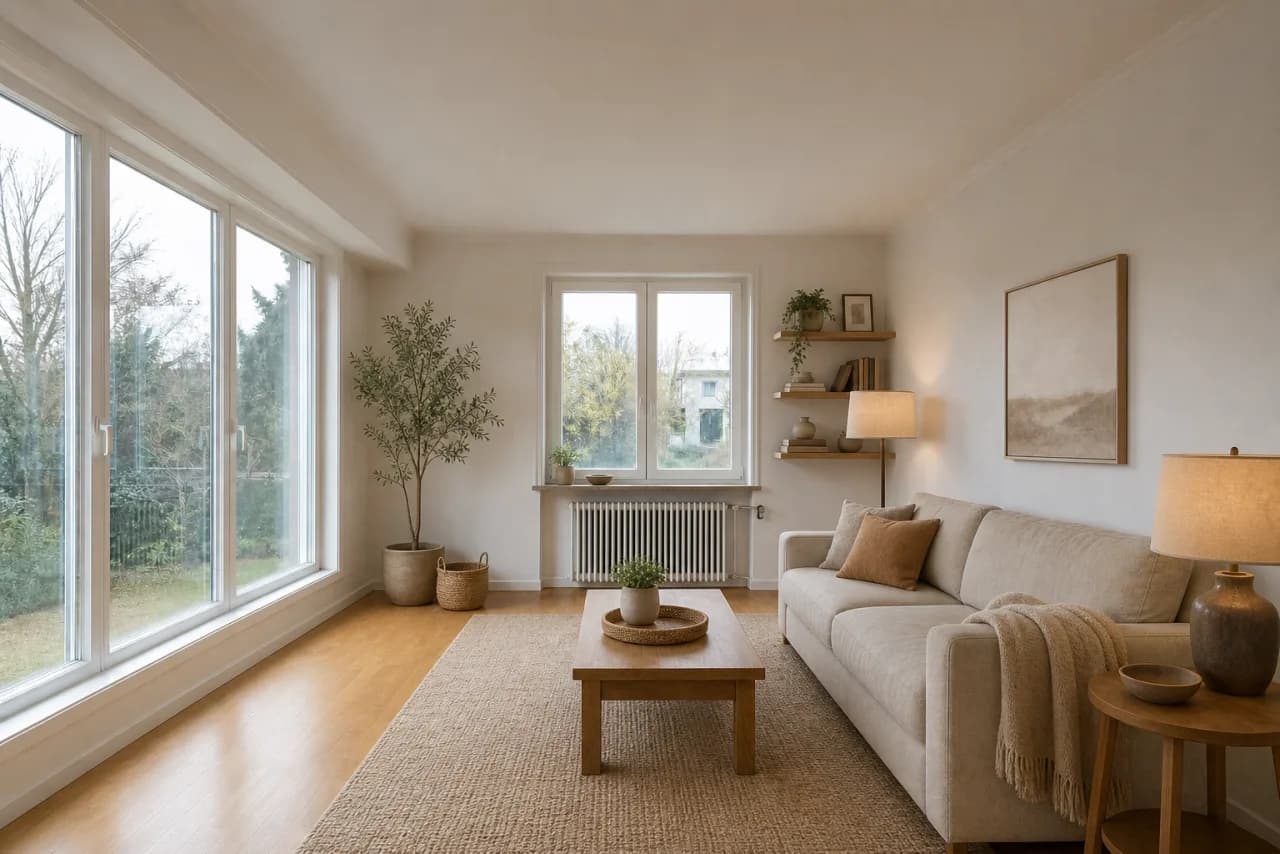
For virtual staging, use one empty-room photo and check furniture scale, walking paths, door openings and whether the scene still looks like the property. A useful alternative adds context without hiding the architecture. If it changes the window or makes a doorway disappear, the image needs review.
| Need | Best fit | Success signal | Review risk |
|---|---|---|---|
| Empty listing | Virtual staging | Furniture scale and clear paths | Invented architecture |
| Occupied room | Photo redesign | Fixed pieces remain readable | Objects or windows move |
| One change | Focused editor | Targeted revision | Unwanted global changes |
| Full project | Planner or professional | Measured decisions | Render mistaken for plan |
Test redesign with an occupied room
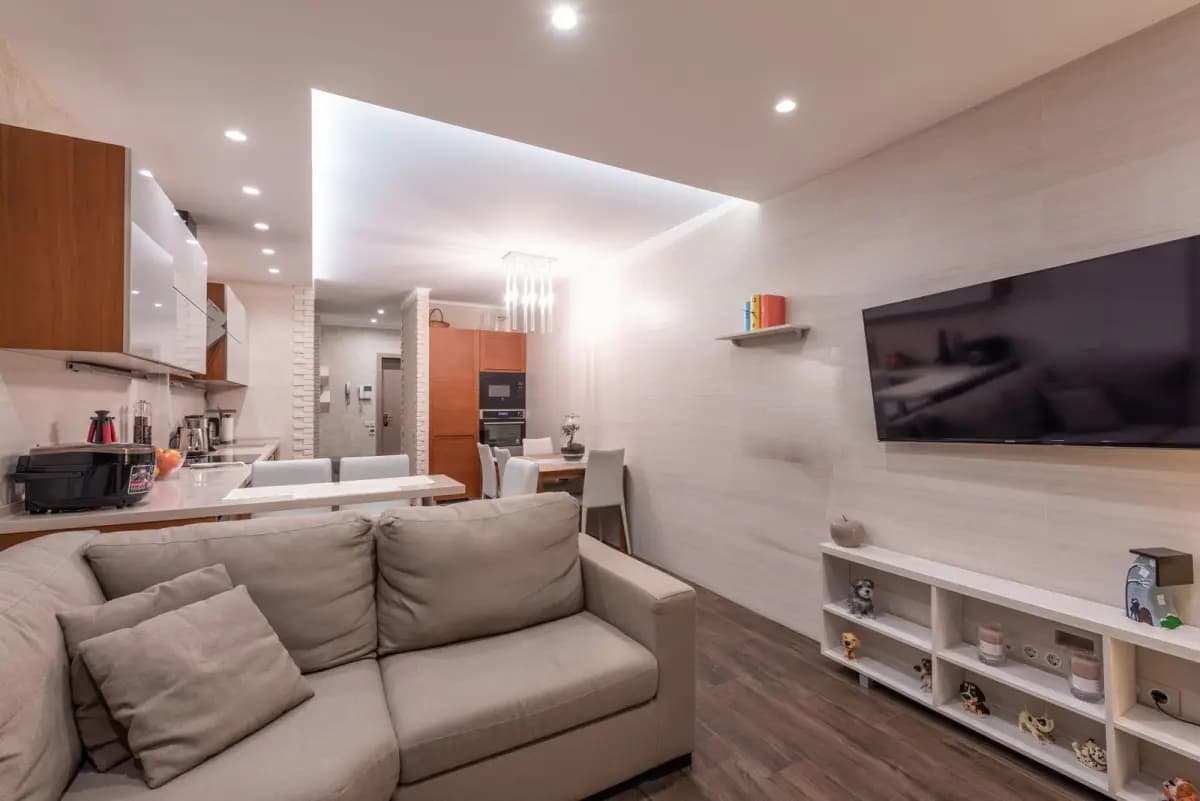
For redesign, use a room that already contains the things you cannot easily replace. Ask the tool to change one direction while keeping the fixed pieces visible. This reveals whether the workflow supports a real decision or simply paints a new room over the old one.
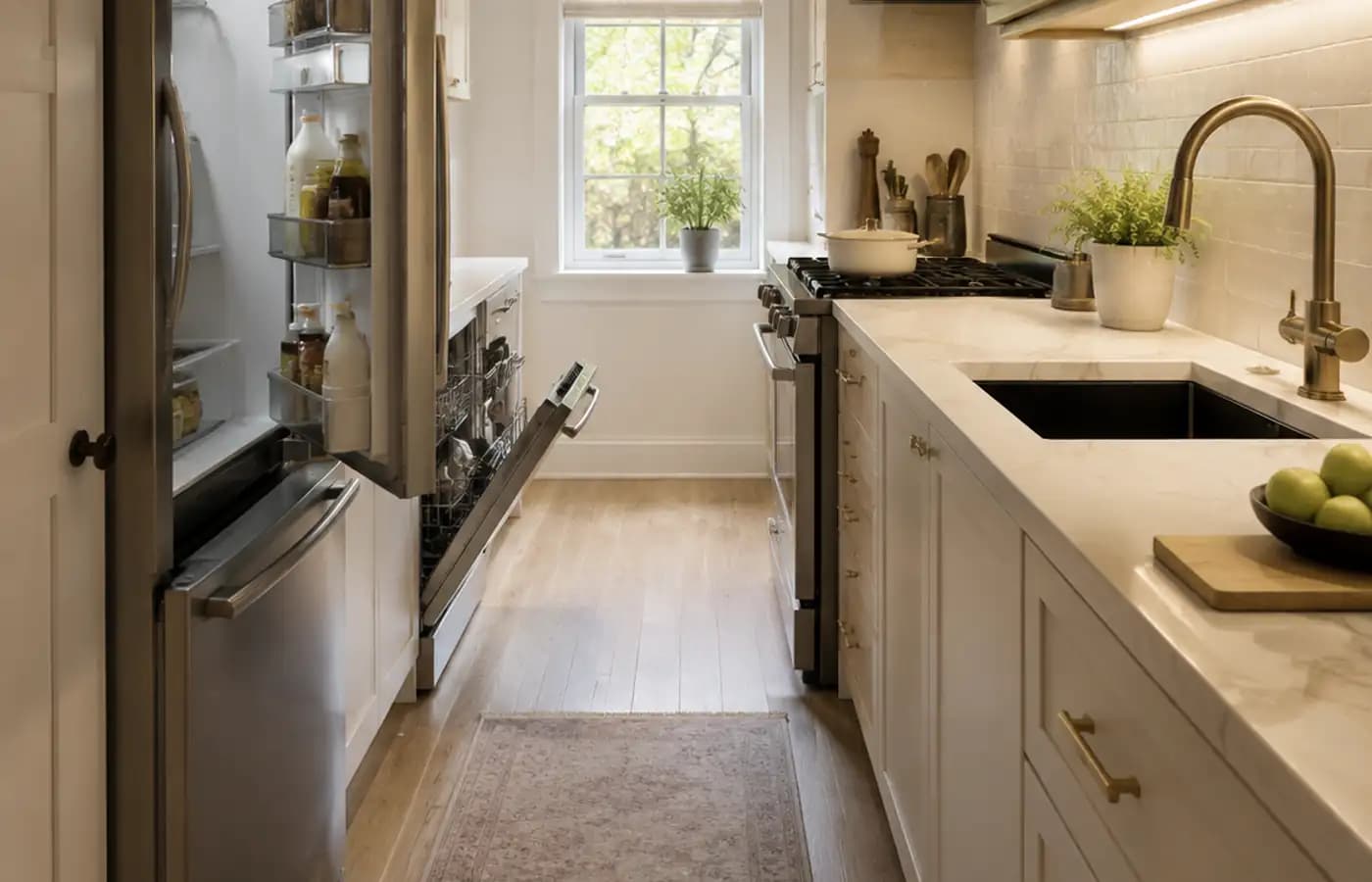
Compare narrow tools with broad suites
A broad platform can be convenient when you need staging, decluttering and multiple room types. A narrow photo-first workflow can be clearer when you need to compare a few realistic design directions. The table below separates breadth from decision quality so the comparison does not collapse into a feature-count contest.
- Classify the room as empty, occupied, rental or renovation.
- Choose one candidate workflow for that job and use one real photo.
- Check architecture, scale, circulation, privacy and the requested change.
- Save the most truthful option and list what still needs human verification.
Upload your room photo and compare a direction.
Check the business context
Home sellers, renters and homeowners have different priorities. A seller may value a fast neutral stage; a renter may need reversible changes; a homeowner may need a material direction that respects existing plumbing and windows. Choose an alternative by audience and risk, not only by render quality.
Keep the human review step
Every image-based alternative needs a review for scale, circulation, privacy and truthful presentation. Use the output to start a conversation, save a direction or compare options, then verify the parts that affect money, safety or construction.
常見問題
What are good REimagineHome alternatives?
Choose by job: virtual staging for empty listings, photo-first redesign for occupied rooms, focused editing for one change, or a measured planner for technical layouts.
Can AI virtual staging keep the property accurate?
It can, but you must inspect windows, doors, ceiling heights, furniture scale and paths. A polished image is not proof that the architecture stayed unchanged.
What is the difference between staging and redesign?
Staging adds believable furniture to help someone read an empty room. Redesign changes style or finishes in an occupied room while ideally respecting fixed elements.
Can I use a staging tool for a remodel?
Only for early inspiration. Remodeling needs measurements, product specifications, plumbing, electrical and construction review beyond a staged image.
How do I compare virtual staging tools?
Use one empty photo and score furniture scale, path clarity, architecture accuracy, neutral presentation and revision control.
Does DreamyRoom do virtual staging?
DreamyRoom is primarily a photo-first room direction tool. It helps compare recognizable design changes; it is not a property listing system or construction planner.
REimagineHome alternatives make sense when the job changes. Classify the room, test the same photo, review architecture and choose the workflow that tells the truth about the space you need to sell, rent, live in or renovate. Compare your room from a photo. Read the photo-first design guide.